

For the past ten years or so, I’ve been attempting to contribute to a set of products that I think of as Internet Floatation Devices. These are the tools that you cling to to avoid drowning in the perpetual torrent of content that we face everyday.
The basic premise is that you can pluck the things that you find most valuable from the passing stream and then do something useful with them. There have been successive generations of these tools, each responding to the novel conditions of their time. Beginning with the humble bookmark, we’ve used RSS readers to aggregate feeds, clippers like Pinterest to preserve specific content fragments, and notebooks like Evernote to create some semblance of organization to our sprawling digital information.
Among the latest crop of these products we see, unsurprisingly, a reliance on AI to help curate and draw connections between the content and information we’re gathering. Here are three the have caught my eye.
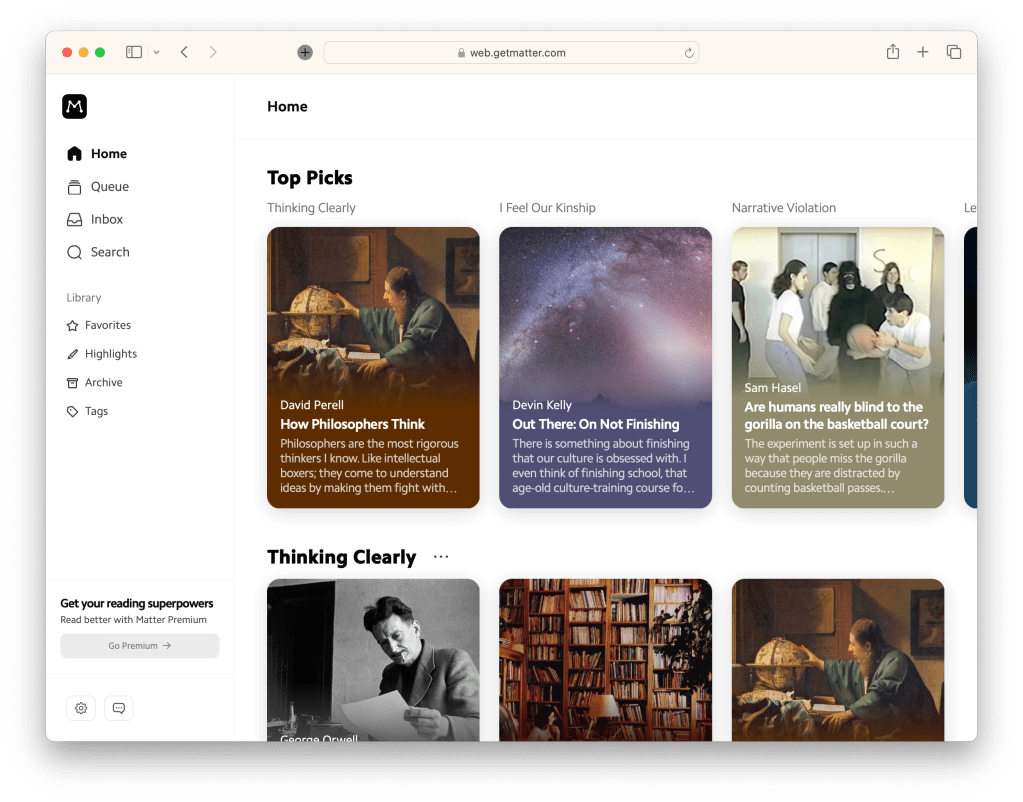
Matter. An evolution of the reader, Matter presents us with a lovely interface for saving and consuming the things we collect. It allows you to pretty much save anything you might want to read; links, PDFs, newsletters and passages. A very neat feature on offer is to move easily between text and audio. Podcast are transcribed, and articles can be read in using the latest, fairly human sounding, test-to-speech tech. Matter also wants to recommend you stuff which I have a bit of a problem with, but I’ll talk about that in another post.
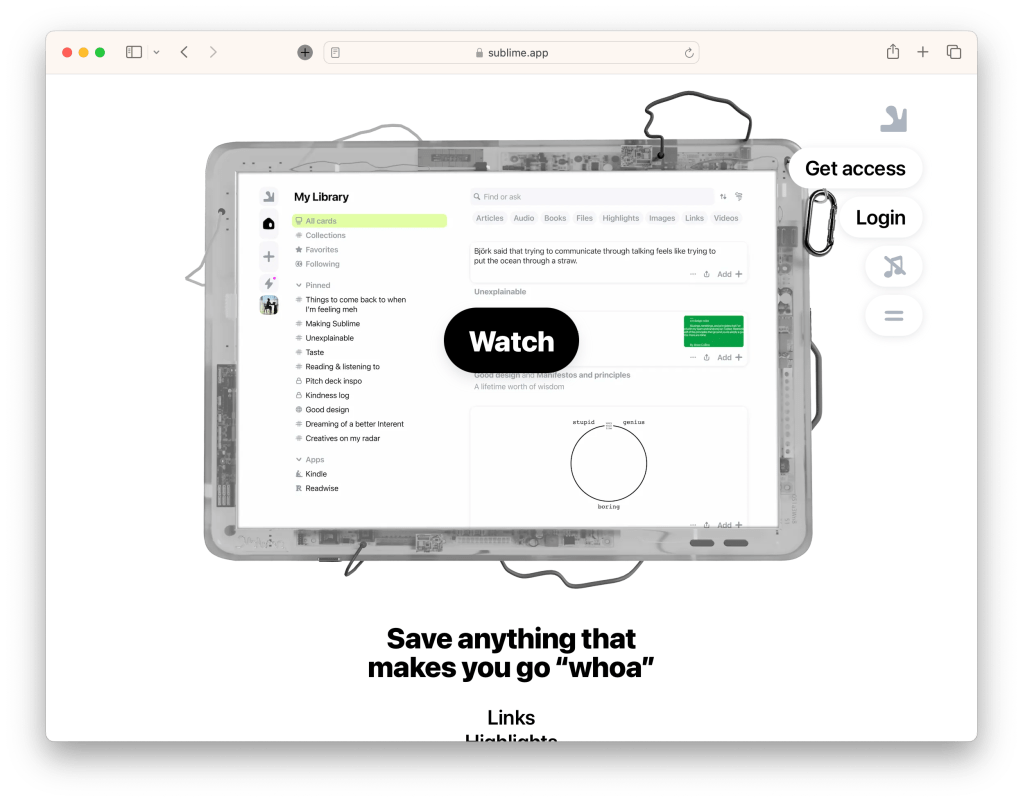
Sublime. Similar to Matter, Sublime offers to take in a wide variety of content, but focuses more on drawing connections and synthesizing ephemera into something more valuable. It also has some social connection features which presents the intriguing notion of connecting people through ideas. There’s also a DIY, merry band of creators, vibe that appeals to me.
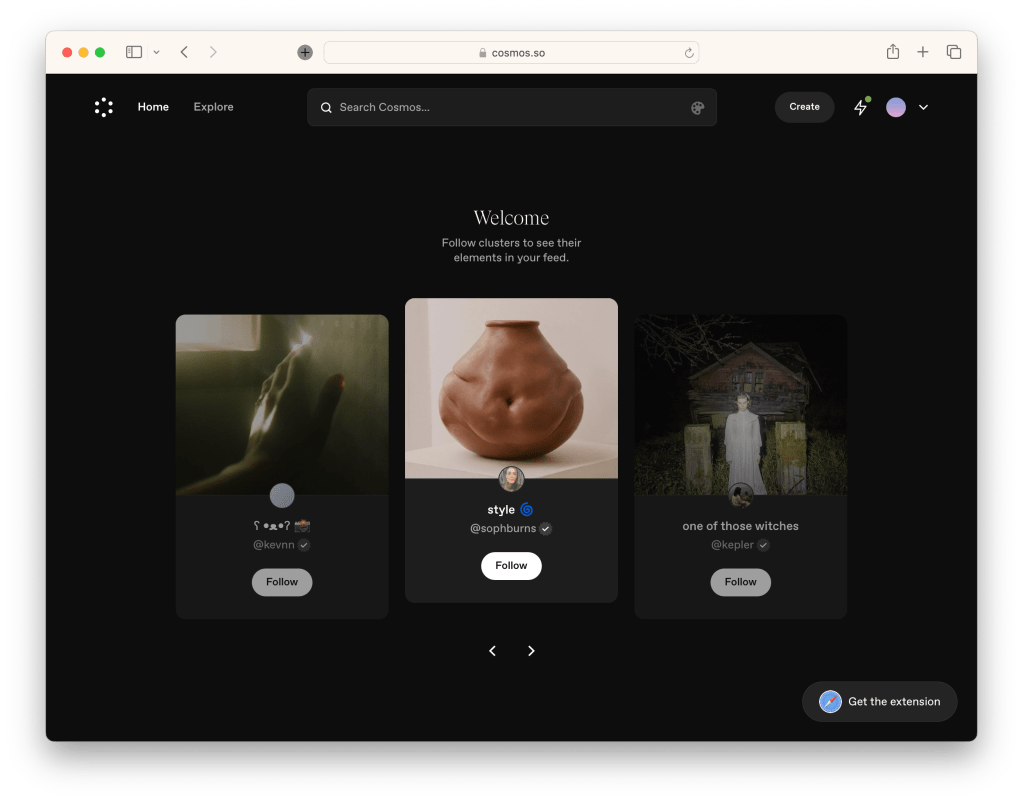
Cosmos. It’s pretty easy to draw comparisons between Cosmos and Pinterest, but that’s mainly due to the familiar masonry grid UI. However Cosmos is trying to become the antidote to the mindless doomscroll. Instead, it offers a gorgeous place to build and explore your interests. The aesthetic is pretty firmly aimed at visually oriented people.
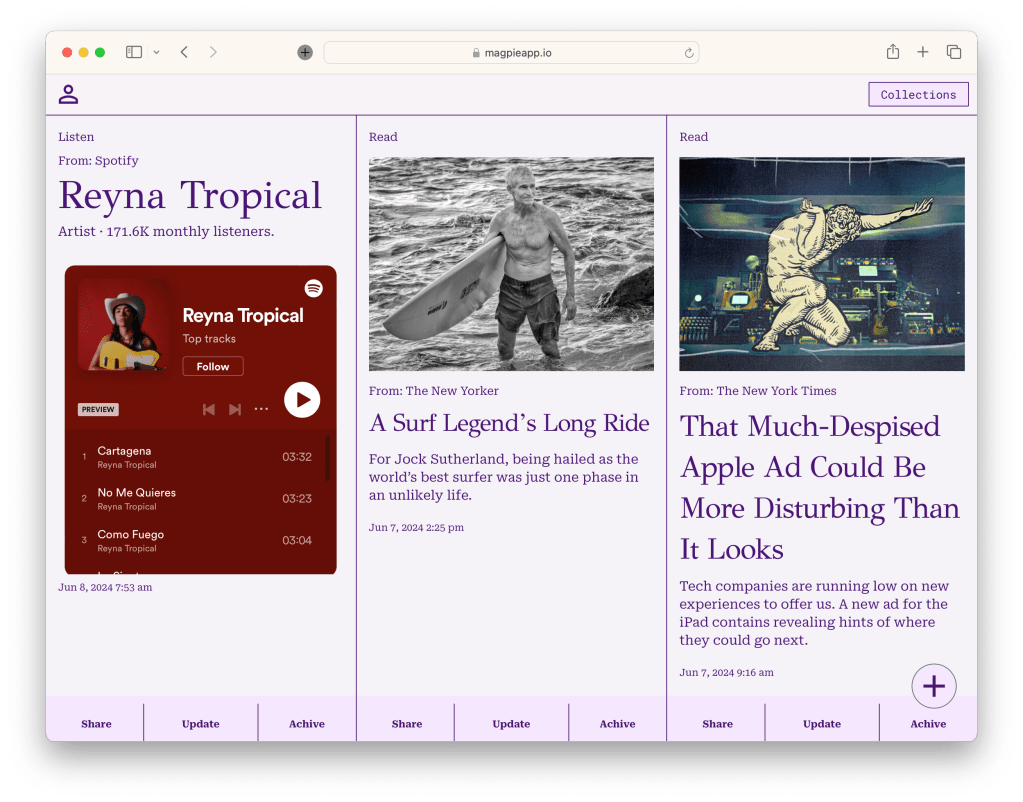
My contribution to this is Magpie. It’s oriented around media and mostly ignores discovery. Between friends and feeds, I don’t have a problem finding stuff, but I do have a problem with keeping hold of it. So instead, I’ve concentrated on making it dead simple to capture and organize things. A primary method of saving new things is via text message, a medium that a lot of us already use to quickly save things we want to remember. Instead to texting yourself, you text Magpie. Texting has the added advantage of being a standard option in the share function you find in most apps. I very frequently will save an article by ‘sharing’ it to Magpie this way. You can also save something manually from within the Magpie app itself, but I find myself using the text message option 99% of the time.
I’ve spent a lot of time on automatic organization. I am the last person that’s going to spend a bunch of time meticulously organizing the things I’ve saved. And yet, a pile of random and disconnected stuff is fairly useless. The solution is to have an AI prompt working alongside a set of automated functions to identify a thing you’ve saved, categorize it, and go get a bunch of related data to make the thing useful.
The result is, when you save the title of a book, Magpie will automatically organize it into your Read collection, get a cover image and a synopsis, and provide a link to where you might find it. In addition to books, this works for movies, music, podcasts, restaurants and other places, products, recipes and notes to self. The aim of the whole system is to take the tiniest smidge of information, and transform it into something useful.
Now, we are talking about AI in 2024 so the results can sometimes be…odd. I’ve built in some provision for manual adjustments when things go a little sideways, but the performance is well on the side of good enough. And frankly, the effect is pretty magical.
The result is that Magpie is a pretty handy wallet for interesting and useful content and a much more fulfilling alternative to aimless fidget scrolling. There’s always something compelling to read, or watch, or listen to.
There’s a ton more that can be done. I’m adding tags to the auto-categorization to make accessing the stuff you’ve saved easier. I’m hoping to do interesting things with it, like generating a map of the places you want to visit on your trip to Madrid. Someone recently advanced the idea of building the system out to auto-categorize into custom collections, which would be pretty neat.
I should clarify that Magpie is a project, not a product. It’s built around my own peculiar habits and, from both technical and UX integrity standpoints, is far from bombproof. That said, I’d be delighted if other people found it useful. You can give it a try here.
If you do, here are some important notes:
- Don’t trust it with any important or sensitive data. This thing ain’t secure.
- Be prepared to be experimented on. I’m continually trying stuff.
- Let’s be friends. If you find it useful, tell me how it could be more so.
Lastly, I think there are interesting things to be said to how I built this and the intriguing opportunities it points to for design practice. I’ll do my best to put these together and share them in future posts.
 Aric Cheston